Can Security Cameras Be Hacked? IP Camera and VMS Security
Security cameras are installed to protect physical spaces; however, when IP cameras, NVRs, and video management software are not configured correctly, the system itself can become a cybersecurity risk.
A corporate CCTV infrastructure consists of more than cameras that produce video. Cameras, network switches, recording devices, storage systems, VMS servers, mobile applications, cloud services, and third-party integrations continuously exchange data. A weakness in any one of these components can affect video confidentiality, recording integrity, and the security of the corporate network.
For this reason, IP camera security goes far beyond setting a strong password. Device inventory, network segmentation, secure remote access, software updates, user permissions, log monitoring, and product lifecycle management must be managed together.
- From Physical Security to Cybersecurity
Can Security Cameras Be Hacked?
Yes. Because IP cameras, NVRs, and VMS platforms communicate over a network, they can be exposed to risks such as unauthorized access, malware, password attacks, and exploitation of security vulnerabilities, just like other connected devices.
An attacker may seek to do more than watch a live video stream. They may also change camera settings, export recordings, disable devices, or use a compromised system as a gateway into the corporate network.
The level of risk depends on factors such as internet exposure, software versions, password policies, network architecture, and how access permissions are managed.
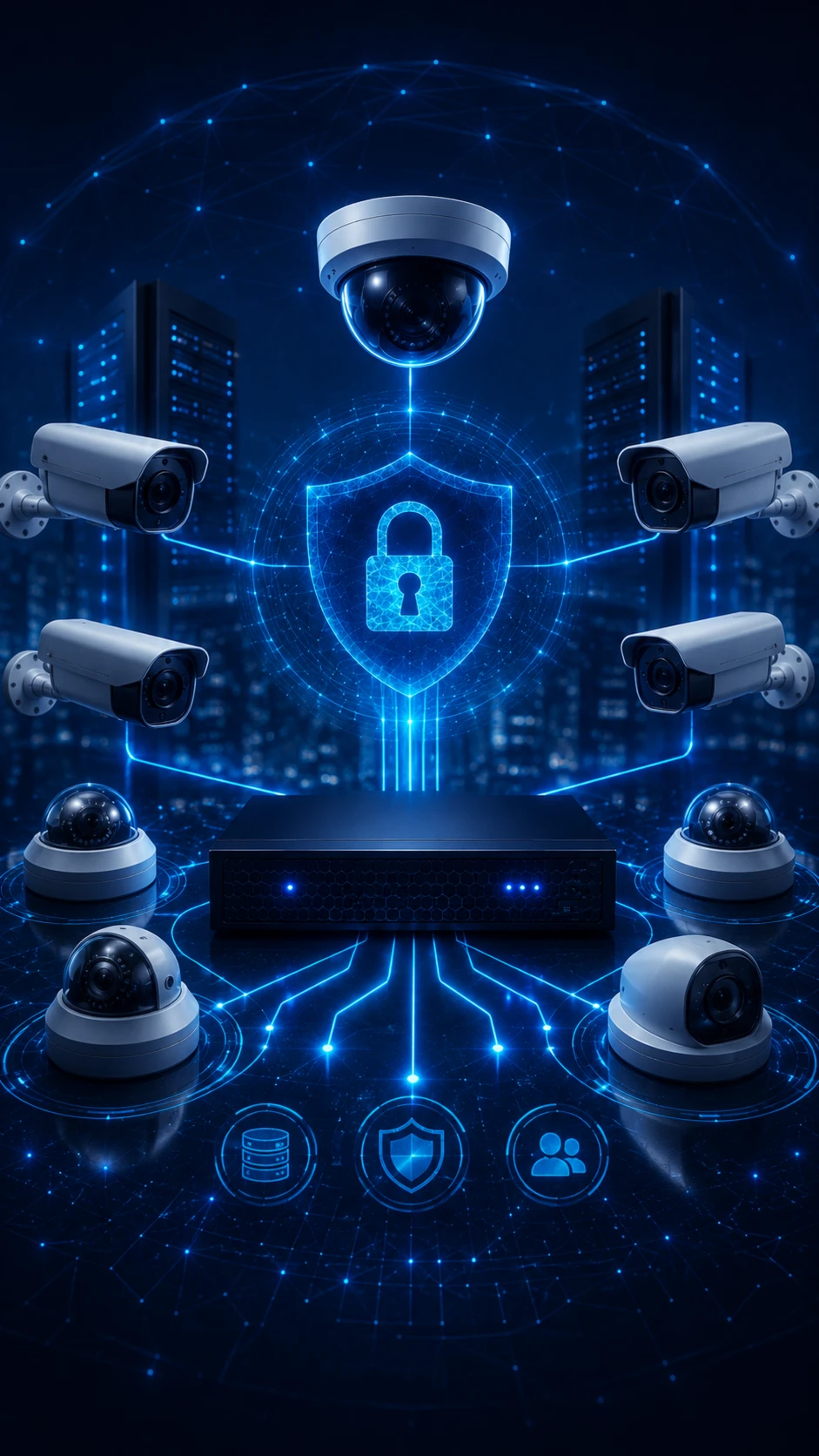
Camera system security is not limited to settings on the devices themselves. The entire data flow must be protected, from the point where video is captured to where it is viewed, recorded, and exported.
Unauthorized Access to Video
Unauthorized access to live or recorded video creates serious risks for privacy, security, and corporate reputation.
Recording Integrity
Deleting, altering, or exporting recordings without control can undermine incident investigations and evidentiary processes.
Service Disruption
An outage affecting cameras, recording devices, or the VMS can leave critical areas unmonitored.
Lateral Movement into the Corporate Network
An inadequately segmented camera network can allow a compromised device to be used as a stepping stone to other corporate systems.
Core principle: A camera system must not weaken an organization's digital security while protecting its physical environment. Cameras, NVRs, VMS platforms, networks, users, and remote access components should be evaluated within a single security architecture.
- End-to-End Camera System Architecture
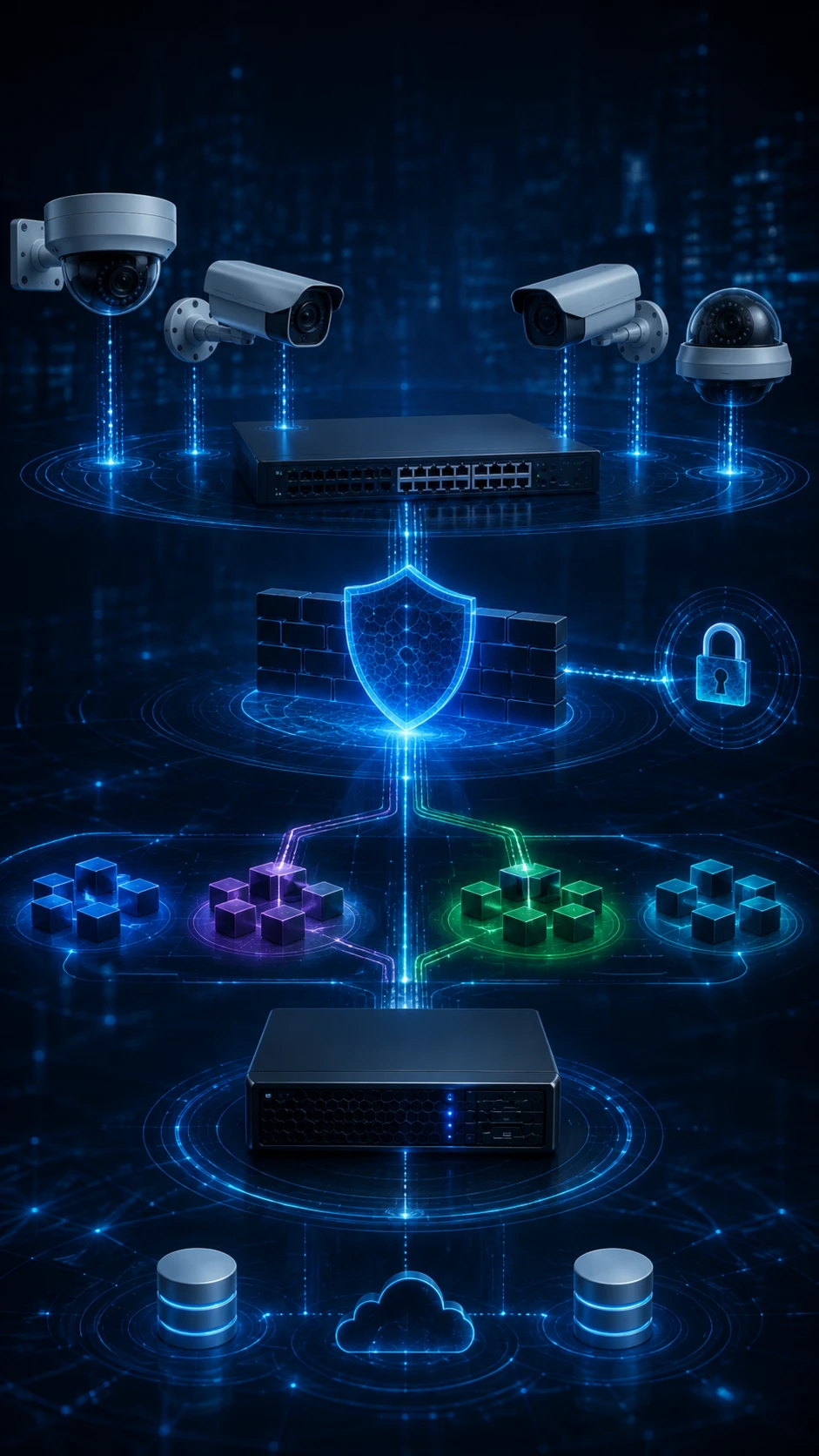
The Five Layers of a Secure Camera System
Cameras and Field Devices
Unique credentials, secure configuration, supported encryption, disabled unnecessary services, and physical access control form the device layer.
Network and Communications
VLANs, firewalls, access control lists, required ports only, and encrypted connections restrict camera traffic.
Recording and Storage
Access control, redundancy, recording integrity, retention, and secure export rules are applied across NVRs, recording servers, and storage systems.
VMS and User Management
Role-based authorization, least privilege, individual user accounts, multi-factor authentication where supported, and audit logs strengthen centralized management.
Monitoring and Lifecycle Management
Firmware and software updates, vulnerability advisories, support lifecycle tracking, log monitoring, backups, and incident response help keep the system secure over time.
- Most Common Security Vulnerabilities
Why Do IP Camera Systems Remain Vulnerable?
A significant share of camera system security issues results not only from product limitations but also from installation and operational errors. Temporary settings created during initial deployment may become permanent, a port opened for remote maintenance may never be closed, or accounts that are no longer used may remain active.
In environments with many cameras and locations, the absence of an up-to-date inventory, uncertainty about software versions, and failure to track manufacturer support periods can create hidden risks.
- Default passwords or the same password used across multiple devices
- Camera, NVR, or VMS management ports exposed directly to the internet
- Outdated firmware, operating systems, and VMS versions
- P2P, UPnP, Telnet, or FTP services left enabled when not in use
- Failure to separate the camera network from user and server networks
- Granting administrator privileges to every user and relying on shared accounts
- Unlimited and unlogged remote access granted to service providers
It is not enough for a control to appear to be in place. Even when a VLAN has been configured, firewall rules may be overly permissive; even when HTTPS is available, invalid or unmanaged certificates may still be used.
Security controls should therefore be verified not only through configuration screens, but also through actual network traffic, access scenarios, and user activity.
- Internet Exposure and Attack Surface
Why Is It Risky to Expose Cameras Directly to the Internet?
Making a camera or recording device accessible over the internet through web, RTSP, or management ports is a common way to enable remote viewing. However, this approach can expose the device to continuous scanning, password attempts, and exploitation of known vulnerabilities.
When remote access is required, a secure method aligned with the organization's risk model should be used instead of direct port forwarding. A current and properly configured VPN, secure access gateway, IP- and user-based access policies, or supported enterprise remote access solutions may be considered.
When cloud-based or manufacturer-provided P2P services are used, the project should assess where data is processed, how users are authenticated, whether session logs are retained, how updates are managed, how the service behaves during outages, and whether the service can be disabled.
Remote maintenance access should be individual, time-limited, and auditable, and it should be disabled when the work is complete. The same service account should not be reused across different facilities or customers.
- Network Segmentation and Controlled Communications
How Should VLANs, Firewalls, and VPNs Be Used Together?
Creating a separate VLAN for the camera network limits uncontrolled communication between CCTV devices and employee computers, printers, servers, and other corporate systems. However, a VLAN is not a firewall by itself; the permitted source, destination, port, and protocol for traffic between networks must also be defined.
For example, if cameras only need to communicate with a recording server or VMS, access to other network destinations can be blocked. If operator workstations do not need to connect directly to cameras, access can be restricted through the VMS.
Management interfaces should use HTTPS and supported, current TLS configurations wherever possible, while unused services should be disabled. Required connections such as DNS, NTP, and update services should also be managed through explicit and documented rules.
Using a VPN does not eliminate all risk on its own. VPN software updates, multi-factor authentication, endpoint security, user permissions, and connection logging must be evaluated together.
How Should Passwords and User Permissions Be Managed?
Default usernames and passwords should be changed during installation. Long, unique, and difficult-to-guess passwords should be used for every camera, recording device, and management account, and passwords should be stored in a secure password manager.
Individual user accounts should be created instead of relying on a shared “admin” account. This makes it possible to associate logins, configuration changes, recording exports, and account creation with a specific person.
Permissions should be restricted according to job responsibilities. An operator may be allowed to view live video and review recordings, while permissions to add devices, create users, delete recordings, change the system clock, or modify security settings should be limited to a small number of administrators.
Accounts belonging to former employees, temporary contractors, and maintenance providers should be reviewed regularly, and access that is no longer required should be disabled without delay.
- Updates and Product Lifecycle
Why Are Firmware and VMS Updates Critical?
Security vulnerabilities can be identified over time in cameras and video management systems. Firmware and software updates released by manufacturers may include bug fixes, new features, and security improvements.
Updates should not be carried out without control. The current version, device model, VMS compatibility, and manufacturer release notes should be reviewed, and in critical projects the update should first be applied in a test environment or to a limited pilot group.
A configuration backup should be taken before the update. Afterward, video streaming, recording, analytics, alarms, time synchronization, and third-party integrations should be tested.
A risk-reduction or phased modernization plan should be prepared for devices that have reached end of support and no longer receive security updates. Product selection should consider not only the purchase price, but also the update policy and support period.
- Logging, Audit Trails, and Incident Response
Which Activities Should Be Monitored in a Camera System?
Security and operational logs generated by the VMS, NVR, and related network components should be monitored centrally. Retaining logs is important, but so is detecting unusual activity and enabling the responsible teams to respond.
Successful and failed login attempts, creation of new users, permission changes, device disconnections, configuration changes, recording exports, storage errors, and changes to the system clock are among the key events that should be monitored.
For critical systems, keeping logs only on the device may not be sufficient. Logs can be forwarded to a centralized, protected platform to reduce the risk of unauthorized deletion or device failure.
The incident response plan should define in advance how an account will be disabled after suspicious access, how a device will be isolated from the network, how recordings will be preserved, and how the system will be restored securely.
- Planning and Implementation Roadmap
How Can IP Camera and VMS Security Be Established?
Create a Device Inventory
Record cameras, NVRs, servers, switches, software, IP addresses, physical locations, versions, responsible owners, and support status.
Remove Default Settings
Change default passwords and disable unnecessary accounts, services, protocols, P2P functions, and cloud connections.
Segment the Camera Network
Run CCTV devices on a separate VLAN and restrict communication between networks to the minimum required through firewall rules.
Secure Remote Access
Use a current VPN or enterprise secure access architecture instead of direct port forwarding, and manage access on an individual and time-limited basis.
Manage Updates
Track firmware, VMS, server, and client versions, and apply updates through a backup and testing plan.
Restrict Permissions
Use individual accounts, role-based access, least privilege, and multi-factor authentication on supported systems.
Establish Monitoring and Recovery Plans
Regularly test logs, alarms, configuration backups, incident response, and restoration scenarios.
- Performance and Continuous Assurance
How Can Camera System Security Be Measured?
The statement “the system is secure” is not measurable on its own. The status, owner, target value, and verification method for each control must be defined.
Depending on the project scope and the organization's risk level, the following indicators may be used:
- Percentage of camera and network devices included in the inventory
- Percentage of devices running current and supported firmware or software
- Number of devices and systems using default or shared accounts
- Number of management interfaces and services exposed directly to the internet
- Failed logins, permission changes, and unusual access events
- Availability rate of critical cameras, recording, storage, and VMS components
- Time from vulnerability identification to mitigation or update
- Next-Generation Video Security
Which Approaches Are Emerging in 2026 and Beyond?
Video security projects are shifting away from a focus solely on higher resolution and more cameras. Secure device identity, certificate-based communications, centralized inventory, controlled device onboarding, and product lifecycle management are becoming increasingly important.
Centralized monitoring of camera and VMS systems across multiple locations can simplify the management of version, connectivity, recording, storage, and security status through a single operating model.
When selecting between cloud, on-premises, and hybrid architectures, organizations should evaluate not only ease of use, but also data residency, latency, bandwidth, service continuity, access control, vendor dependency, and total cost of ownership.
As AI analytics become more widespread, where video is processed, what metadata is generated, who it is shared with, and how model performance is monitored also become part of the security architecture.
- Brand-Independent Engineering Approach
Why iTech Project?
iTech Project evaluates IP cameras, NVRs, video management software, networks, storage, user permissions, and enterprise integrations within a unified security architecture.
The engagement can extend from existing infrastructure inventory, network and access analysis, and security configuration to modernization planning, pilot testing, acceptance, and lifecycle support.
Our brand-independent approach aims to preserve suitable existing investments while creating an operable and scalable system architecture that reduces security vulnerabilities.
For more information about enterprise CCTV architectures, visit our CCTV and Intelligent Video Surveillance Systems page; for centralized management options, see our Video Management Software page; and for the end-to-end design process, explore our Project Design and System Integration page.
Let Us Assess Your Camera System Together- Next Step
Let Us Build Your IP Camera and VMS Security Roadmap
Contact iTech Project to jointly assess your existing camera system inventory, network architecture, internet exposure, user permissions, software status, and product lifecycle.
Frequently Asked Questions
A system that is not connected to the internet has a lower risk of external access; however, risks may still arise through computers on the same network, uncontrolled wireless connections, maintenance devices, malware, or physical access. Being offline alone does not provide sufficient security.
In corporate environments, it is recommended that the camera network operate on a separate VLAN. However, a VLAN alone is not sufficient; inter-network traffic should be limited to required connections through firewall and access rules.
Exposing camera, NVR, or VMS management ports directly to the internet increases the attack surface. Controlled methods such as a current VPN, secure access gateway, and individual user authentication should be preferred for remote access.
Some updates may affect configuration, integrations, or device behavior. A configuration backup should be taken before the update, manufacturer release notes and VMS compatibility should be reviewed, and video, recording, alarm, and integration tests should be performed afterward.
Analog cameras may not connect directly to the IP network; however, if the DVR, hybrid recording device, mobile viewing service, or remote access connections operate over the network, the system can still present cybersecurity risks.
No. ONVIF conformance may support certain interoperability features, but security controls such as passwords, firmware management, network segmentation, encryption, user permissions, and internet access must still be configured separately.